
Overview
Zio is available directly within the fleet management system as a Support chatbot. It allows users to ask questions and receive quick answers without leaving the platform.
How to Access Zio
- Log in to the platform using your login credentials.
- On the left-side navigation panel, locate the Support icon at the bottom.
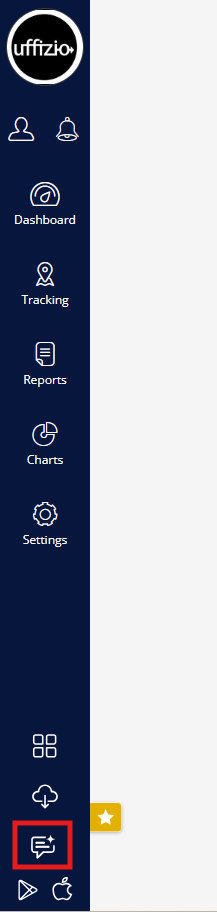
- Click Support.
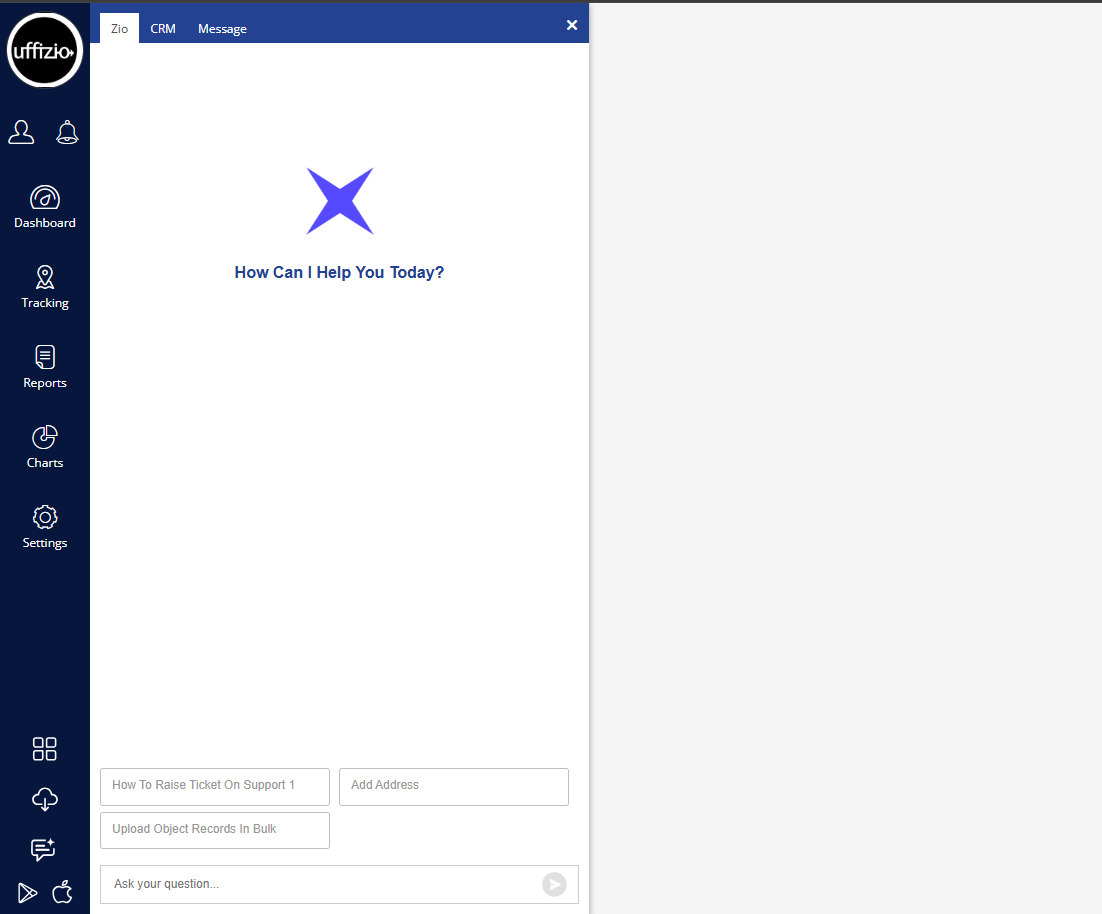
- The Zio chatbot window will open.
How to Ask a Question
Once the Zio chatbot window is open:
- Locate the "Ask your question..." field at the bottom.
- Enter your question.
- Click the Send button.
- Zio will process your question and display the response.
Example Queries
You can ask Zio questions such as:
- "Add object"
- "Add geofence"
- "What is Dashboard?"
Tips for Better Results
For accurate results, ask clear and specific questions.
Instead of:
"Vehicles"
Ask:
"How to add objects?"
Instead of:
"Geofence"
Ask:
"How to create geofence?"
If Zio Does Not Provide the Expected Response
- Check that the question is clear and specific.
- Rephrase the question and try again.
- Verify that the requested information is available in the system.
- If the issue continues, raise a support ticket.
Support
If you experience difficulty using Zio in the system and the issue cannot be resolved, raise a support ticket with:
- Description of the issue
- Question asked
- Zio's response, if any
- Screenshot of the issue
- Error message, if displayed