
The Object Bulk Transfer screen enables users to transfer objects from one company and branch to another company and branch.
To Get Started
- Log in to your account.
- Go to Settings > Bulk Action > Bulk Object Transfer
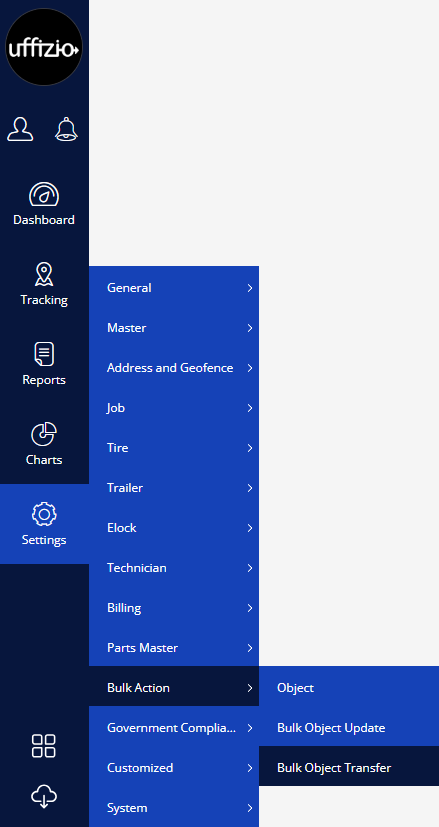
Upon clicking on Object Bulk Transfer, users will be taken to the Bulk Object Transfer action page.
To Transfer Object
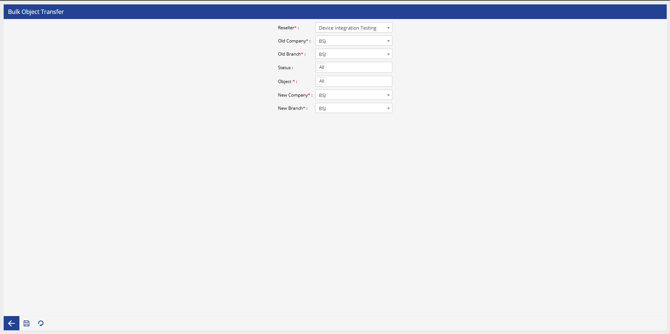
- Select the Reseller from the drop down, under which the transfer has to be done.
- Select the Old Company and Old Branch from the drop down, from which the objects have to be transfered.
- Select the Status of the objects which has to be transfered.
- Select the Object from the drop down.
- Select the New Company and New Branch under whom the object has to be moved.
- Select the Save button.