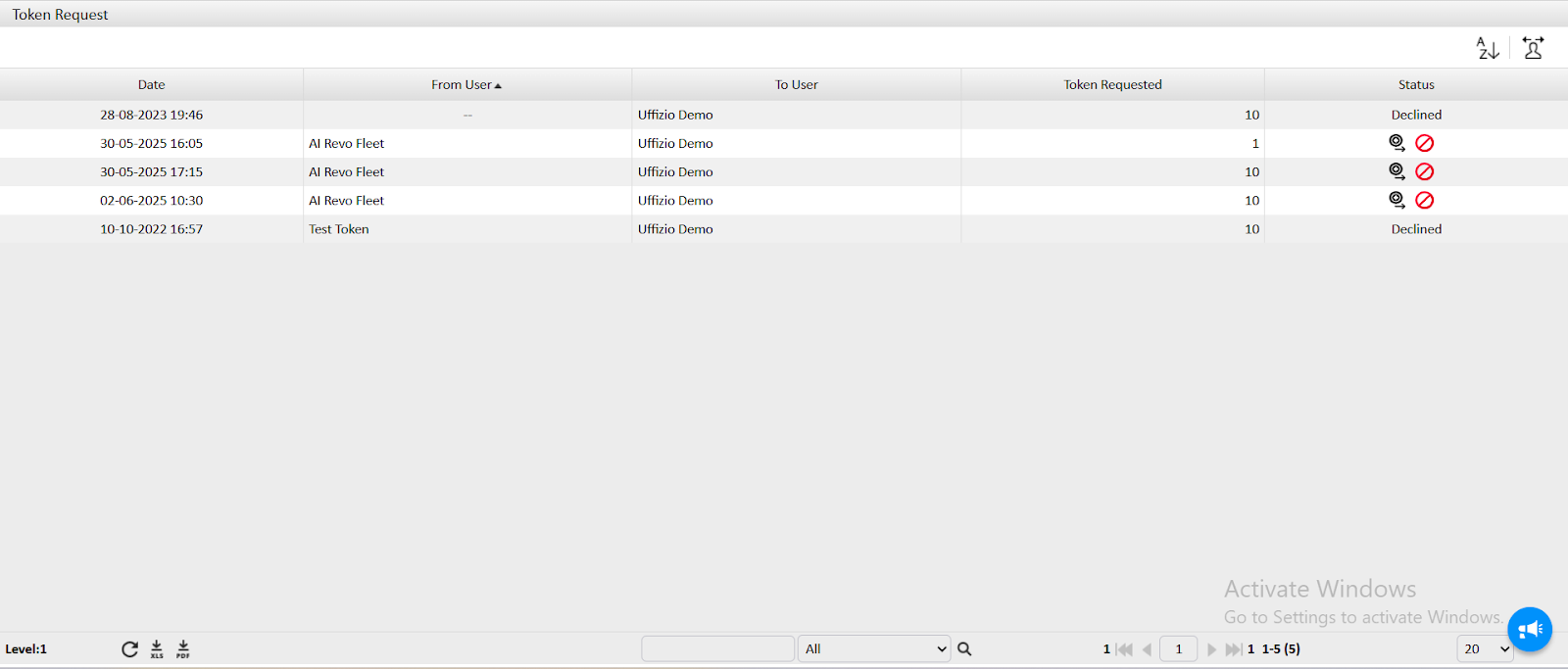
Upon Selecting Token Request you are redirected to request screen
- The date on which the request was made is shown.
- The user who has requested this tokens name is displayed.
- To which account the request is made is visible.
- Also the token request made by the user is also shown.
- Status has two icon
- You can select
 to send the token to the request.
 - You can select
 to decline the request.
- You can select