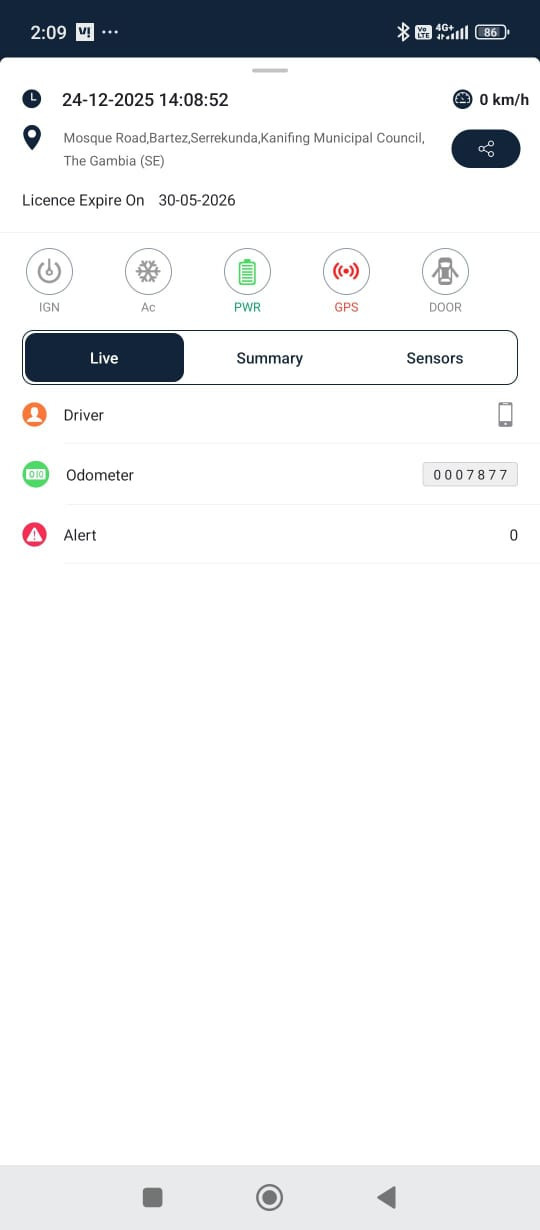
The Live Tracking screen empowers users to effectively oversee the activities and movements of vehicles or assets in real time. It provides an interactive and dynamic view, constantly updating with the latest data on the movement, location, status update, and other associated features of the objects.
To access:
- Menu→ Live Tracking Screen
- You will see the whole tracking screen with vehicle icons on the map.
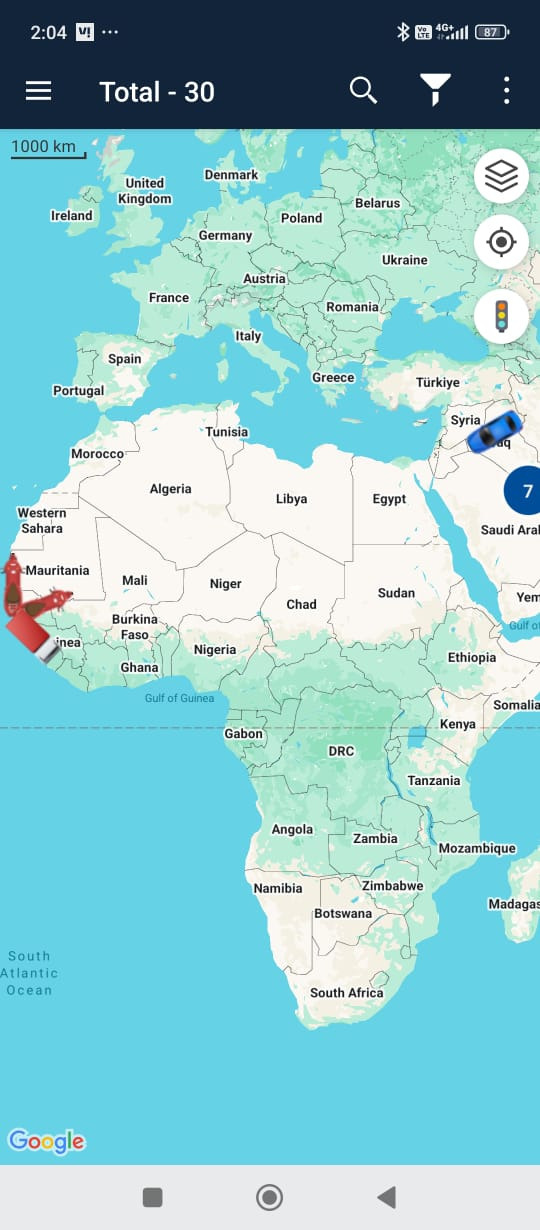
- You can search the vehicle , click on vehicle on map or apply filter for the same.
- Upon selecting a vehicle you are redirected to the single vehicle screen.
- You will see vehicle number on top.
- You can see the playback by applying the Playback button.
- You can follow the tracking screen over other applications.

- You can navigate the same on google or mobile map.
- You can see the last location of vehicle on mobile map.
- You can switch the map.
- You can also enable Traffic if this service is part of map.
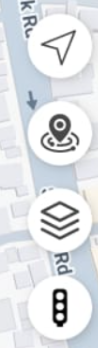
- The map shows the vehicle activity.
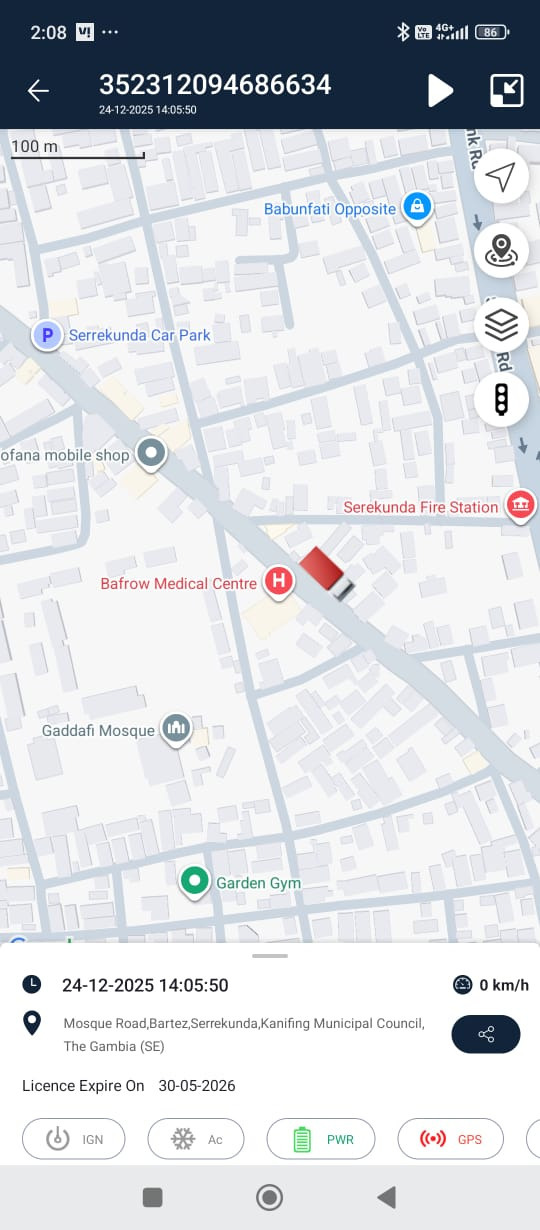
- Vehicle details are at the bottom.