
Addresses can be created to accurately identify specific locations. For instance, if a Pet regularly travels to an Park.
To Edit Address from Mobile Application
- Log in to your account.
- Go to Profile > Address.
Upon clicking on Address, you will be directed to the Address Overview page, where you can view and manage all the address records.
To Edit Addresses.
- Click on the
 icon or tap on the address that you want to edit.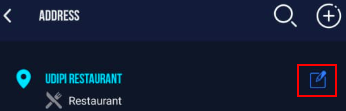
- The Address configuration screen will open.
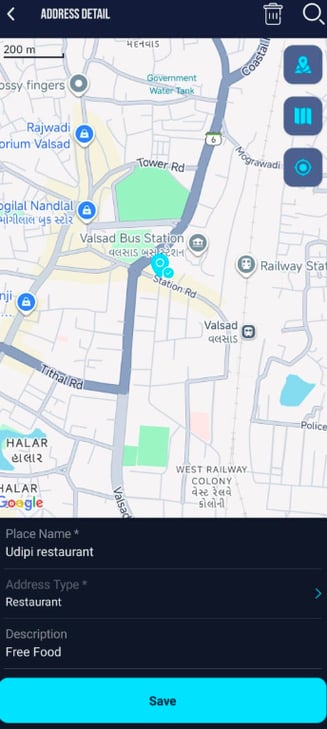
- you can edit the Place Name of the address.
- you can chnage the Address Type from the dropdown list.
- you can change the Description if necessary.
- To edit the location: you have 3 options.
- Tap on the Map to set that location as address.
- click on
 search and search the desired Address location. Utilize the marker to pinpoint the exact location accurately.
 - Click on the
 icon to add your current location as address.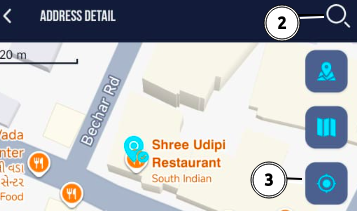
Please Note: While using the 3rd option to add location, you need to grant the location permission for the device.
- Click on the Save icon.
To Delete the Address.
- Click on the
 icon to delete the address.