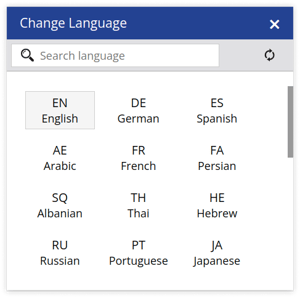
The Change Language feature allows users to select their preferred language for using the platform during a specific session.
Upon logging out of the application, the selected language will revert to the default setting for future sessions.
Trakzee is available in 15+ international languages and 5+ Indian languages.
For example, if a user wants to access the platform in French, they can select French from Change Language, and then the platform can be used in French for that session.
To Change Language:
- Log in to your account.
- On the Left-side Panel below the logo find User.
- Click on User > Change Language.

- Click on the preferred language.