
The Fuel Monitoring System in the Trakzee Mobile Application allows users to monitor vehicle fuel-related information directly from the Live Tracking screen. It helps users track fuel levels and identify fuel filling or draining activities based on the data received from the connected GPS device and fuel sensors.
This feature enables fleet managers to monitor fuel usage, identify unusual fuel-level changes, and improve fuel management across their fleet.
To Get Started
- Log in to your account.
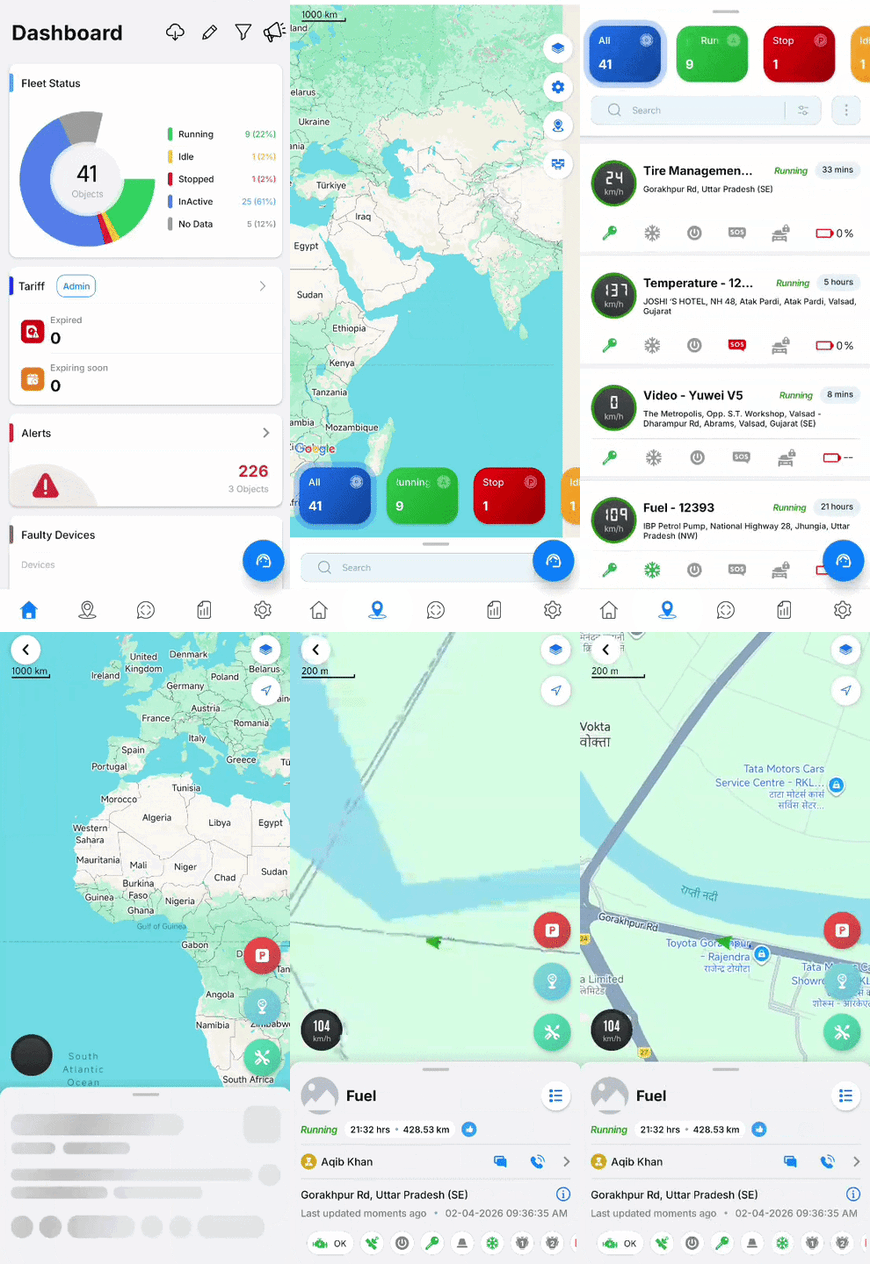
- Go to Live Tracking.

- When you are on the Live Tracking screen, swipe up on the live tracking screen and select the Object.
- Scroll up and select the edit icon. Enable Fuel Monitoring , then activate Fuel activity.